Installing Node.js
Course: - chapter 1
Reference - ‣
There are a few ways you can install Node.js
- Build it from Source (difficult, not recommended)
- Use a package manager like
brew,snapetc - Use
nvm(Node Version Manager)
Node version manager
Section titled “Node version manager”NVM is a cli (Command line interface) that lets you install/upgrade the version of Node.js you have locally.
- Step 1 - Install
Node version manager- Linux/Mac
curl -o- https://raw.githubusercontent.com/nvm-sh/nvm/v0.39.1/install.sh | bash- Windows - First install WSL, then use the same steps as above
- Step 2 - Install Node
nvm install v22- Try running
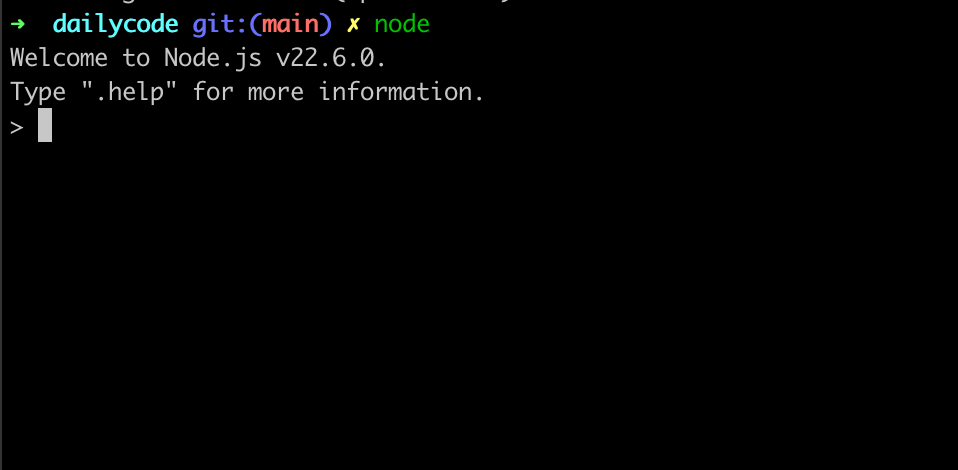
node